
AI Halloween Trend 2026: Every Spooky AI Effect in One Place
This October’s feeds are full of selfies, couples and pets turned into zombies by AI. Here is every Halloween AI trend you can make on Zombie AI, each with its own maker: pick one, add a photo, and get a picture or a short vertical video to post.
This year’s AI Halloween trends
Each card opens a page made for that one trend, with examples, the maker and the prompts behind it.
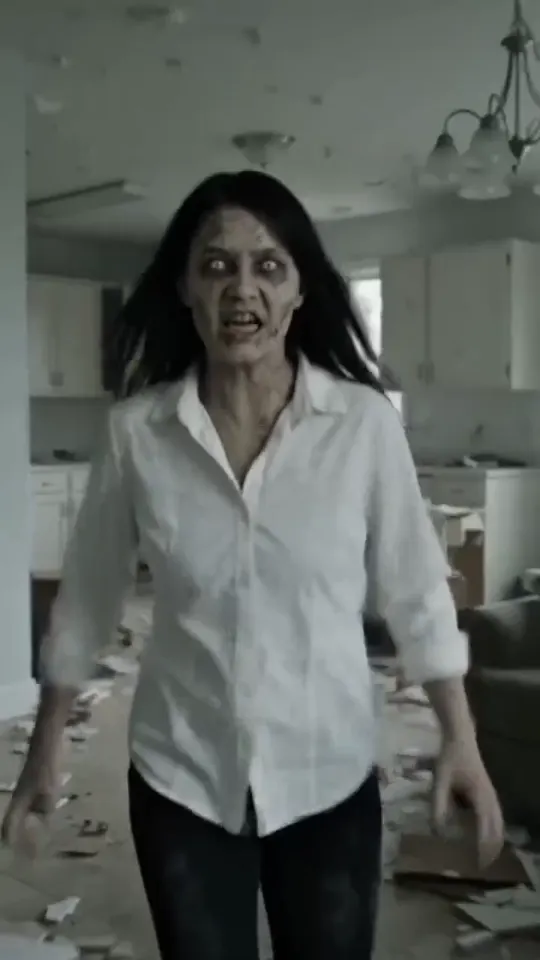 AI Zombie Video GeneratorThe viral zombie love story: two photos in, one vertical clip out.Try it
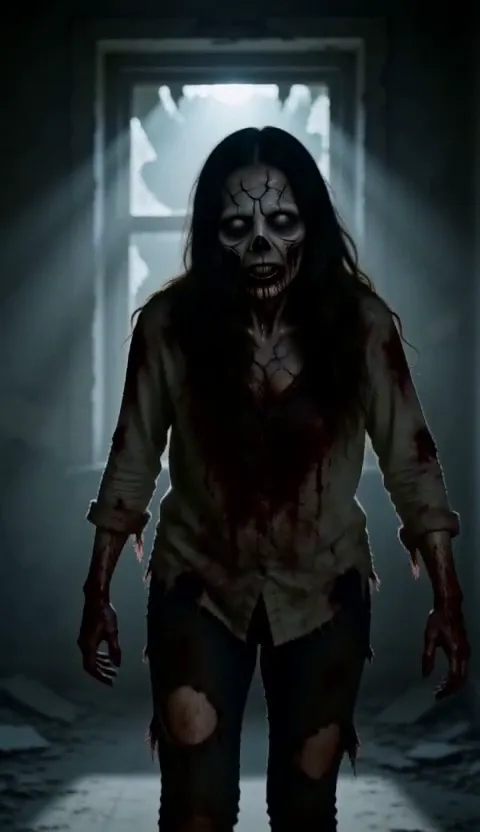 Zombie AI TrendThe zombie AI trend explained, with prompts to copy.Try it
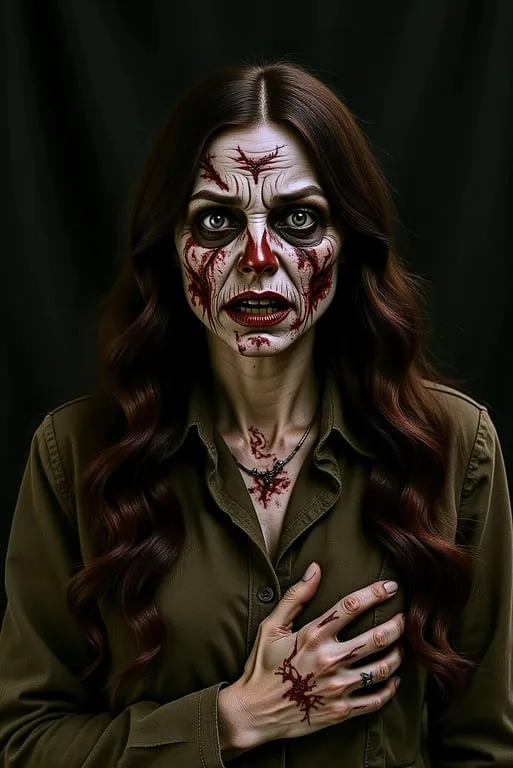 Zombie FilterUpload a photo and turn yourself into a zombie.Try it
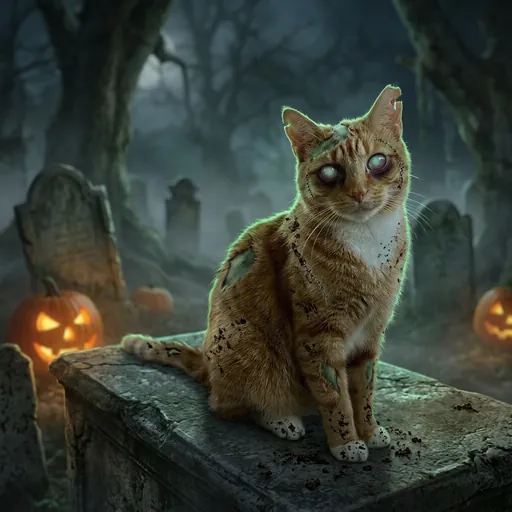 Zombie Pet MakerTurn a cat or dog photo into a zombie picture or video.Try it
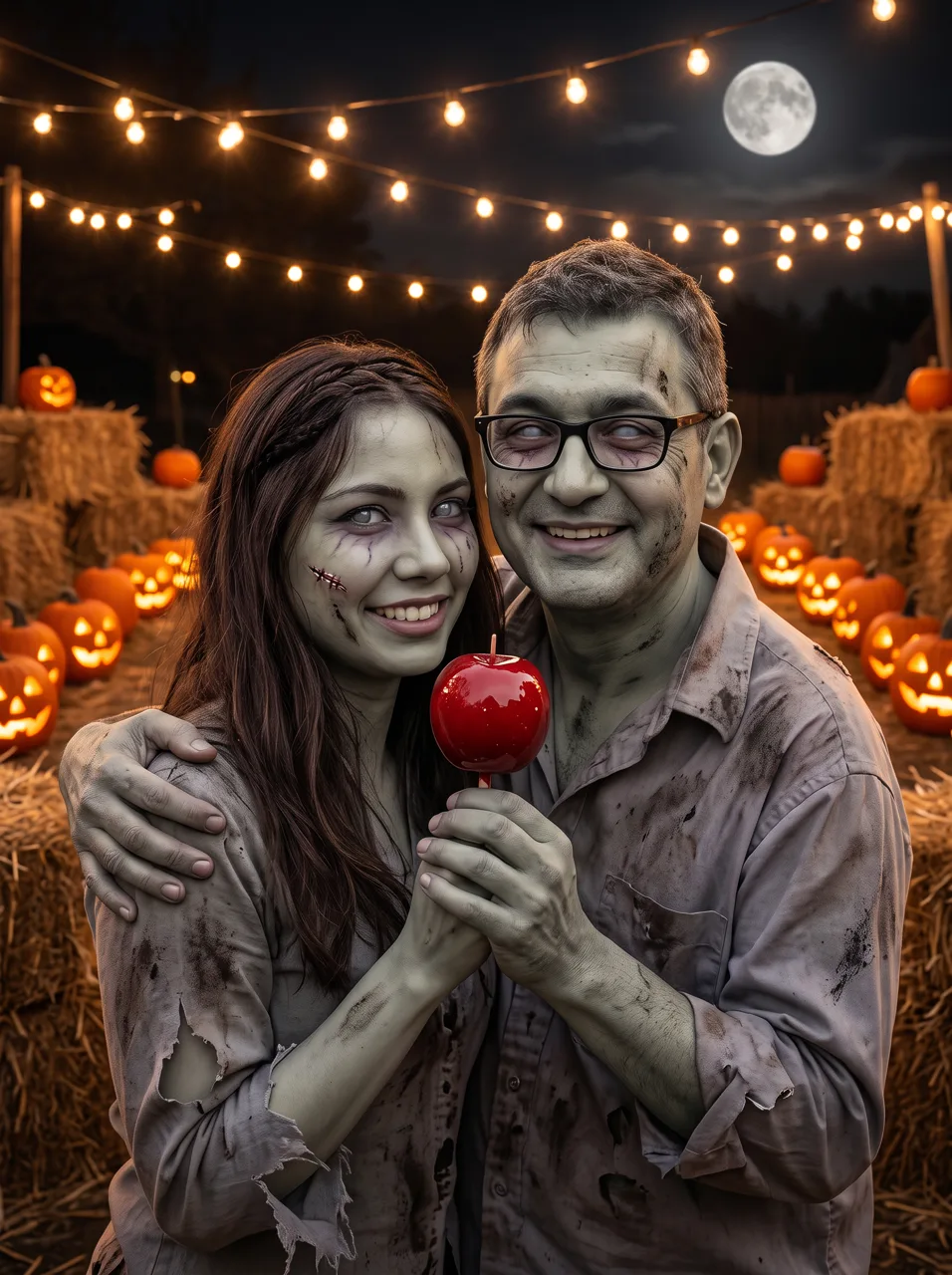 Zombie Couple MakerTwo photos into a zombie couple picture or video for Halloween.Try it
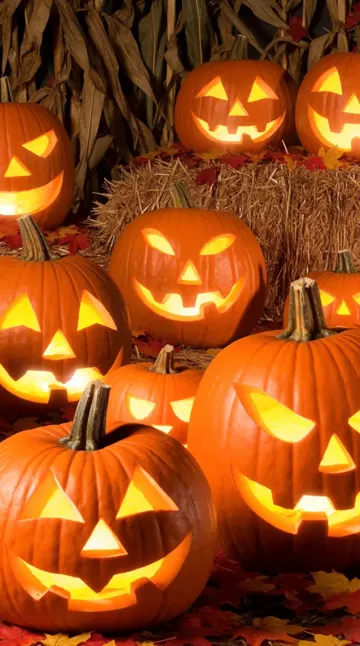 Halloween WallpaperFree cute cartoon Halloween wallpapers, or make your own.Try it
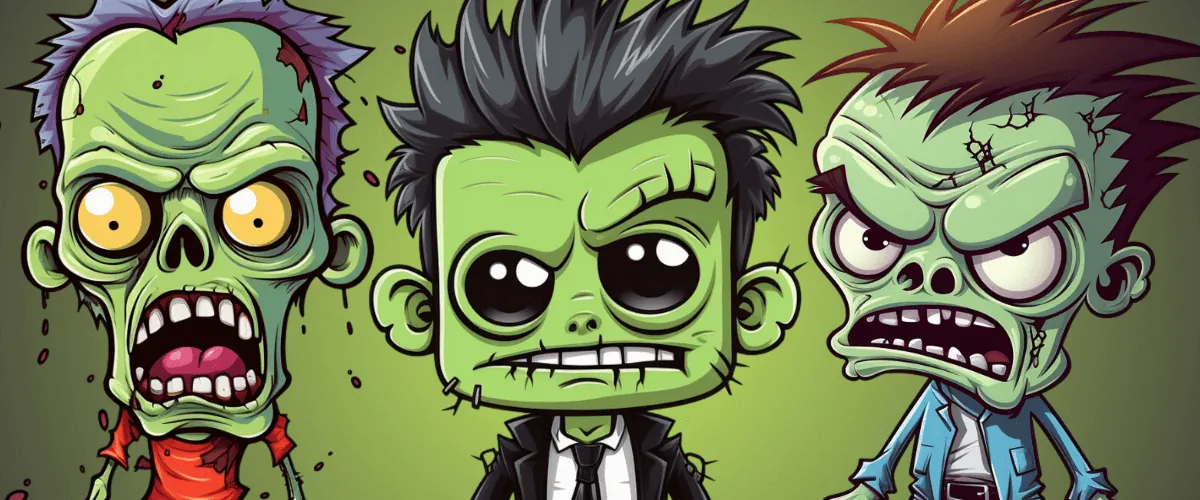 Zombie Name Generator150+ zombie names and a free generator for your own.Try it
What is the AI Halloween trend?
Every autumn, people run their own photos through AI and post what comes back: a selfie as a ghoul, a couple as a zombie prom king and queen, the family dog with grey fur and glowing eyes. The trend lives on TikTok, Instagram Reels and Shorts, where a before-and-after or a short story clip does far better than a plain costume photo.
The 2025 wave was mostly still pictures from general image apps and long prompts copied from Reddit. In 2026 the posts that travel are short videos: the zombie love story, where one partner turns and the other cannot pull the trigger, and pet versions of the same clip. Both need a model that keeps real faces recognisable from a photo, which is what the makers here are set up for.
How to do the AI Halloween trend
- 01
Pick a trend
Choose the card that matches what you want to post: a zombie video, a zombie selfie, a zombie couple, a zombie pet or a wallpaper.
- 02
Add your photo
Upload a clear, front-facing photo, or one of each person for the couple and love-story trends. A pet photo works on the pet maker.
- 03
Pick a style and make it
Each maker has the scene, make-up and camera already written. Choose a style, picture or video, and press the button.
- 04
Download and post
Results come out with no watermark, vertical where it matters, so they go straight to TikTok, Reels or Shorts.
Which Halloween AI trend fits your photo?
Start from the photos you already have. Each answer links to the maker that takes them.
A selfie or a photo of a group
The zombie filter turns everyone in the picture into a zombie and keeps each face and pose, in the style you pick.
A photo of you and a partner or friend
For a story clip where one of you has turned, use the zombie trend video. For a picture of both of you as zombies, use the zombie couple maker.
A photo of your cat or dog
The zombie pet maker keeps the breed and markings and gives you a spooky, cartoon or cute zombie pet.
No photo you want to use
Download a free cartoon Halloween wallpaper, or describe your own and let the AI draw it.
The AI video models behind the trends
The makers above run on the same video models you can use directly, for any Halloween idea of your own.
 Dola AI Video GeneratorDola-style Seedance videos online, with no watermark.Try it
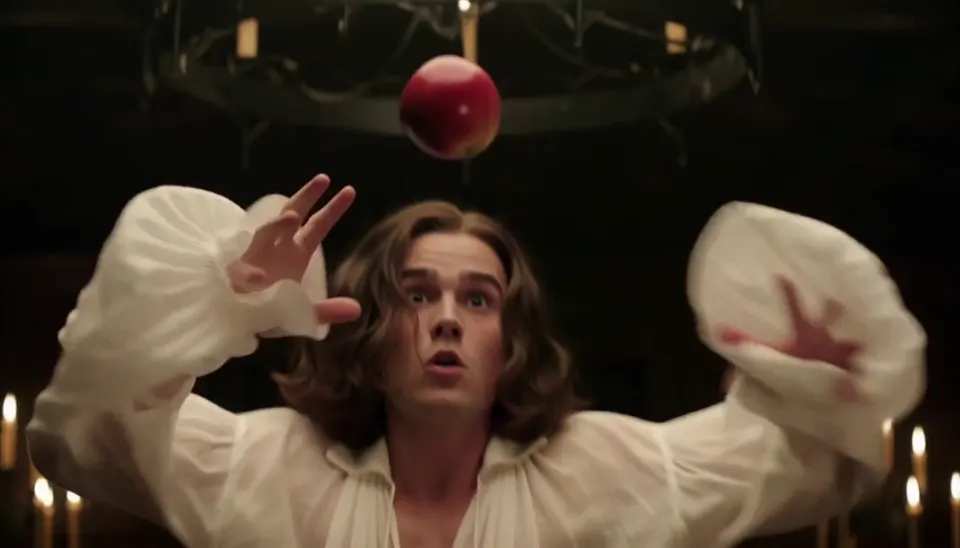 MiniMax H3 Video GeneratorMiniMax H3 videos with sound, on H3 Max in your browser.Try it
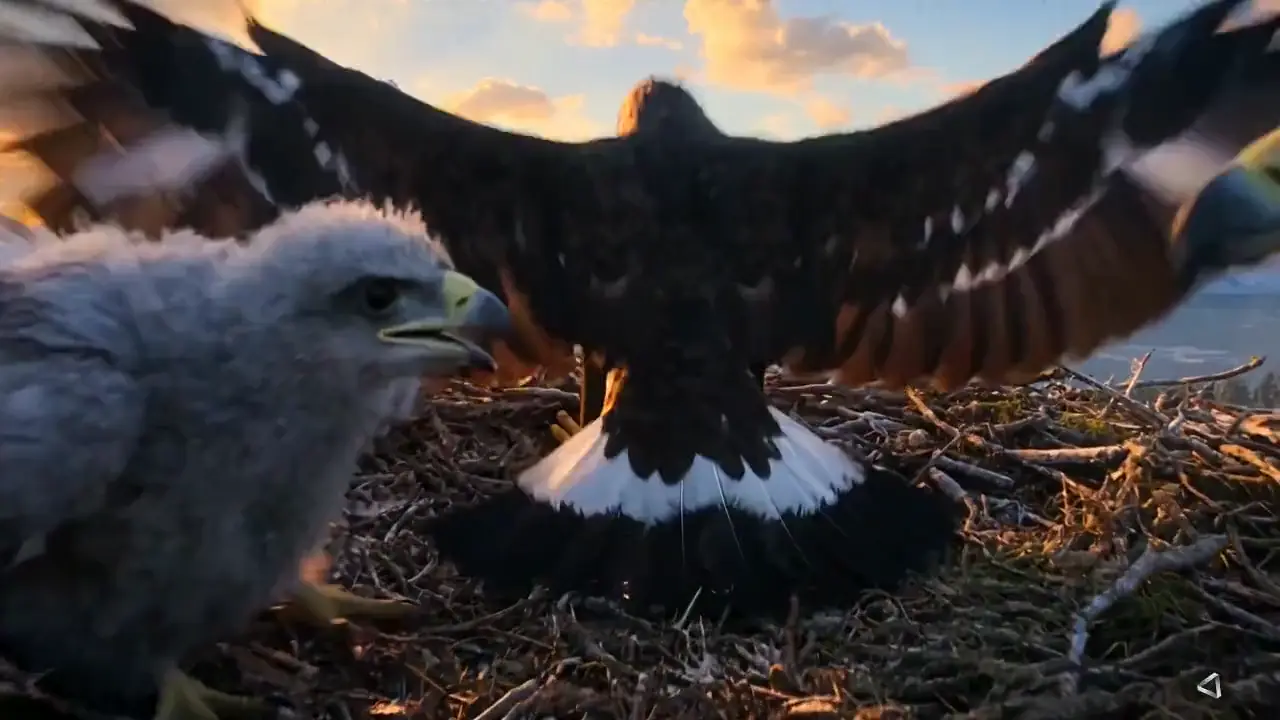 Wan AI Video GeneratorWan 3.0 videos up to 30 seconds, in 1080p with sound.Try it
- AI ModelsEvery video and image model, with lengths and prices.Try it
Tips for a Halloween AI post that people share
- Use a photo with the face in good light and nothing covering the eyes: the AI keeps who you are from that photo.
- Post vertical (9:16) and keep it short: a 10-second clip is watched to the end far more often than a long one.
- Show the before and after: put your original photo in the first second or in the caption.
- Ask before you post someone else’s face, and only upload photos of people who agreed.
- Add the trend’s own words to the caption, such as #zombieaitrend or #aihalloween, so people searching the trend find you.
AI Halloween Trend FAQ
How do I do the Halloween AI trend?
Pick the trend you want on this page, upload a clear photo (or two for the couple trends), choose a style and press the button. The picture or video comes back in a minute or two, ready to download and post.
Is the AI Halloween trend free?
New accounts get 100 free credits. A zombie pet picture costs 60 credits and a zombie couple picture 60, so the first one is free. The 10-second zombie trend video costs 400 credits. The Halloween wallpapers are free to download without an account.
What is the AI Halloween trend on TikTok?
People post AI versions of their own photos for Halloween: themselves, their partner or their pet as zombies, ghosts or cartoon monsters. The most shared format this year is the zombie love story, a short clip where one partner has turned and the other cannot shoot.
Do I need an app?
No. Every maker here runs in the browser on a phone or a computer, with nothing to install.
Can I turn my pet into a zombie for Halloween?
Yes. The zombie pet maker takes one photo of a cat or dog and keeps its breed, coat and markings. The zombie trend video can also cast your pet as the one who turns.
Will it still look like me?
Yes, as long as the photo is clear and the face is not covered. The makers pass your photo to the model as a reference, so the zombie version keeps your features under the make-up.
Is there a watermark?
No. Pictures and videos download without a watermark, and you can post them wherever you like as long as everyone in the photos agreed.
Will more Halloween AI trends be added?
Yes. New makers are added to this page as soon as they go live, so it is the one page to bookmark for the season.
Make your Halloween AI post tonight
Two photos, one zombie love story, ready for TikTok in a couple of minutes.
Open the zombie video generator